ACE / YOUTUBE
ACE JOINNER PRO - MUSIC CHANNEL VIDEO EDITOR
An official walkthrough of the ACE Joinner Pro music-video workflow, from source media to output.
Watch on YouTubeDesktop production system · Windows
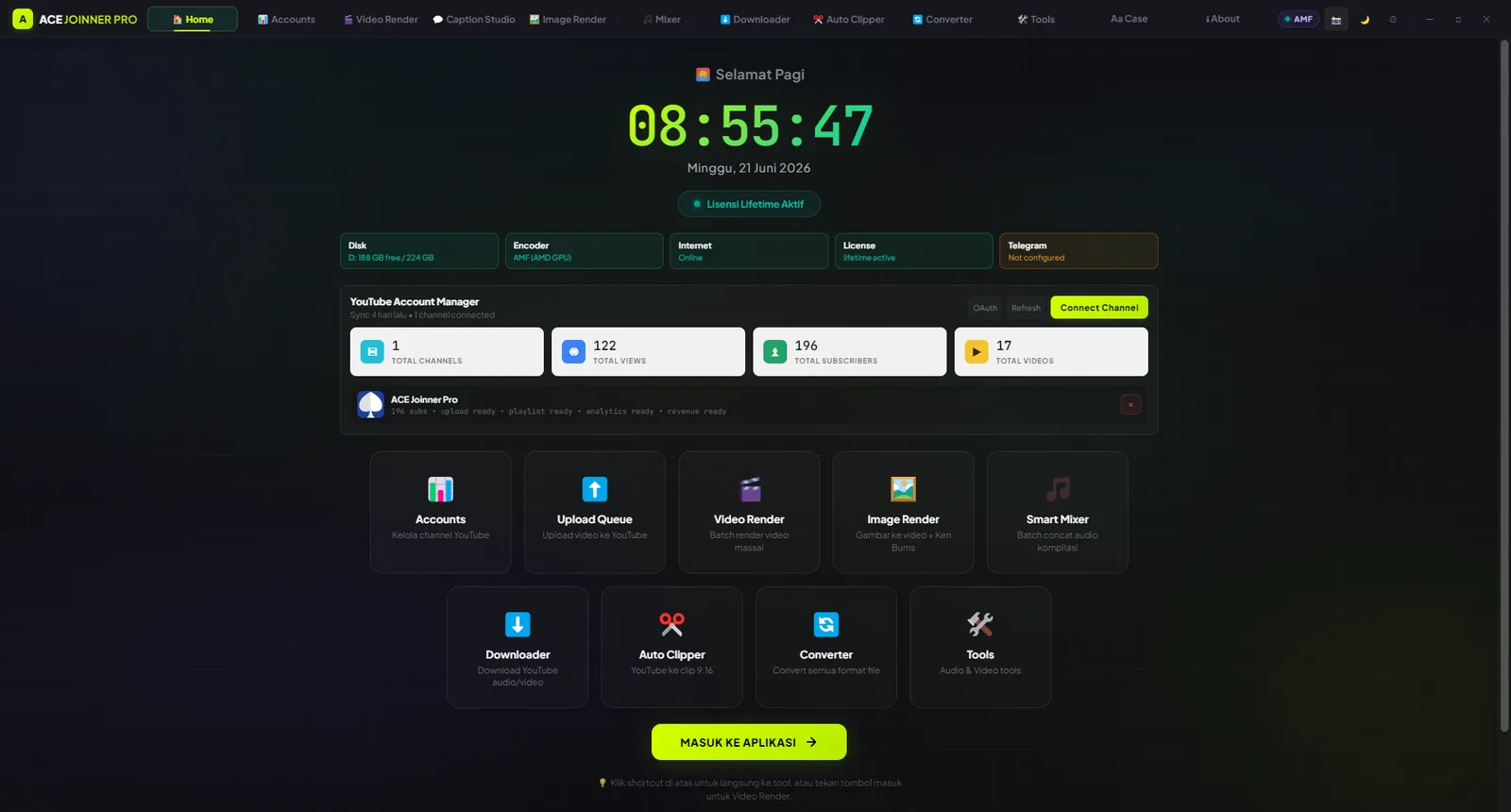
ACE Joinner Pro brings together work that usually lives across several apps: arranging audio, animating artwork, creating captions, rendering queues, preparing clips, and organizing publishing assets.
Official demo
Play the main walkthrough or choose a specific workflow. YouTube loads only after you press play.
An official walkthrough of the ACE Joinner Pro music-video workflow, from source media to output.
Watch on YouTubeSelect an example to load it from YouTube.
Start with the module that matches the job, then keep assets, settings, queues, and outputs in one desktop system.

Render music videos in an inspectable queue.
View feature
Turn still artwork into an audio-reactive music video.
View feature
Make lyrics and captions part of the composition.
View feature
From fast compilations to timelines and MIDI.
View feature
Connect production, repurposing, and publishing tasks.
View feature
A local toolbox for preparing assets before larger jobs.
View featureThis is more than a collection of buttons. Each module keeps projects moving with previews, queues, status updates, logs, and output folders you can inspect.
Version 2.0.1 contains 120 verified visualizer models, 128 particle MP4 files, 16 visualizer overlays, 24 subscriber overlays, and 65 font families.
The app handles rendering and media processing locally. Internet access is required for licensing, updates, downloads, YouTube account features, and optional cloud services selected by the user.
These figures come from the current V2.0.1 source and local verification report.
Automation helps with repetition while previews and reports keep creative decisions visible.
Collect authorized media, normalize files, and organize output targets.
Build video, image, caption, motion, or audio settings in the relevant module.
Use previews, preflight checks, queues, and logs before or during production.
Review the output folder, reports, publishing assets, and update status.
Less tool switching. More attention on the work that actually needs judgment.
ACE Joinner Pro is designed to reduce repetitive production steps—not to replace ownership, review, or creative direction.
Review the feature set and licensing terms first, then choose the official purchase or release channel.